Overview
Knowledge base overview
What the knowledge base is, the source types it holds, and how Asks turns your content into grounded answers.
The knowledge base is everything your AI agent is grounded in. When a customer asks a question, the agent answers from this content — your website, your articles, your uploaded files — not from general internet knowledge. If something isn't in the knowledge base (or connected live, like your Shopify catalog), the agent won't claim to know it.
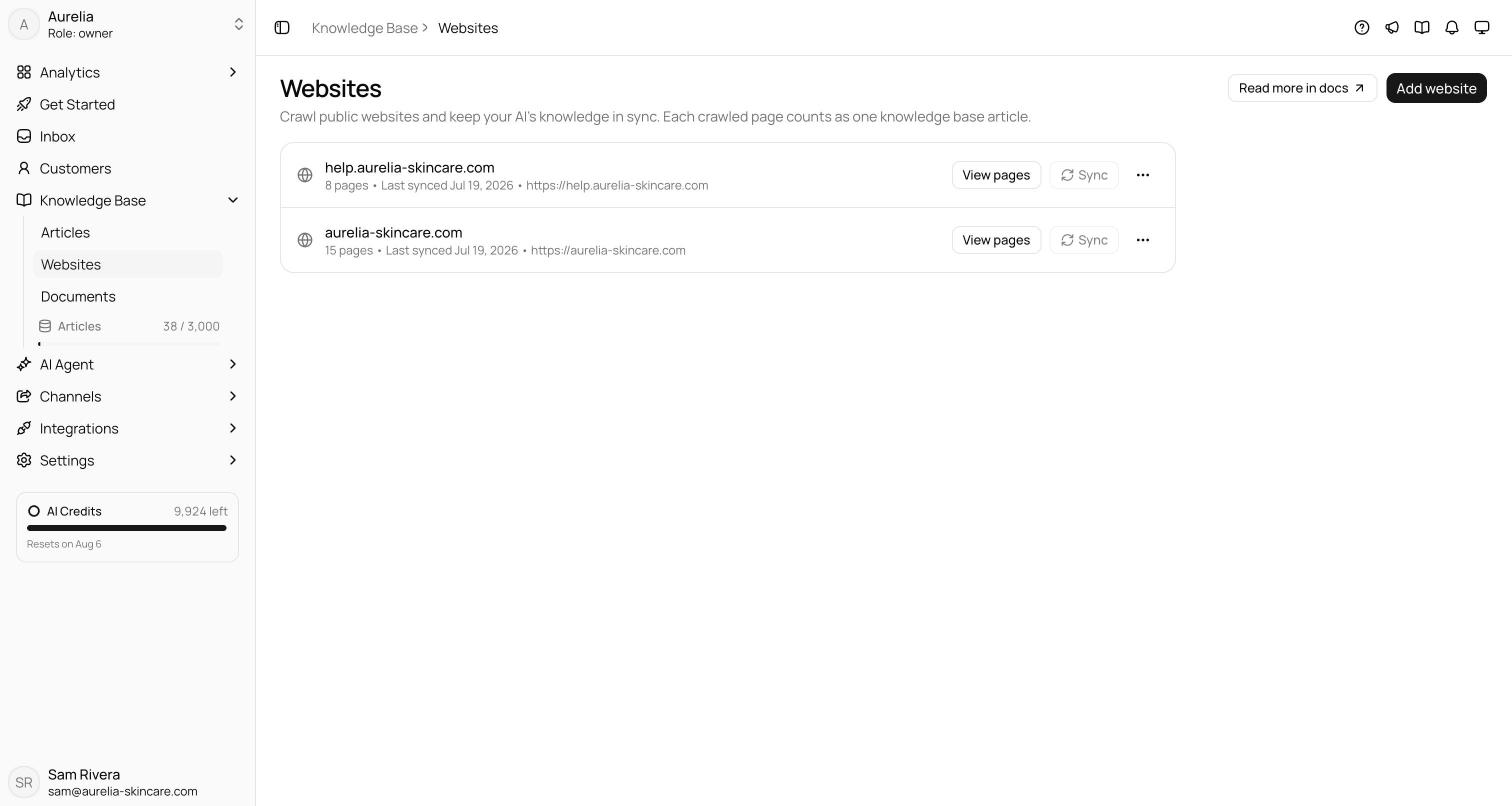
You manage it at app.asks.app/knowledge-base. The Knowledge Base group in the dashboard sidebar splits it into Articles, Websites, and Documents, with a Knowledge items meter at the bottom.
Source types
How training works
Every source goes through the same pipeline:
- Extract — Asks pulls the plain text out of the source: crawled page content, article body, or text extracted from a file.
- Index — the text is split into chunks and indexed for retrieval.
- Retrieve — for each customer question, the agent searches the index and pulls in only the most relevant chunks.
- Answer — the agent writes its reply from those chunks and records which knowledge base items it drew on.
The agent retrieves per question, so it always works from the latest indexed version of your content — there is no separate "publish to the agent" step.
On Premium, indexing adds contextual chunking Premium — each chunk is stored with a short document-level context note, which improves retrieval on long or ambiguous content. It runs automatically; there is nothing to configure.
AI Agent → Knowledge (app.asks.app/ai-agent/content) summarizes what the agent can use right now: published articles, documents, and website sources, plus a count of draft articles that aren't included yet.
Knowledge items
The meter at the bottom of the knowledge base sidebar shows how many knowledge items you've used against your plan's limit. Every item counts as one, whatever its type: an article (public or internal, draft or published, in any folder), an uploaded file, or a synced web page. The info icon next to the label repeats this. Deleting an item frees its slot immediately.
Because drafts and articles inside folders count too, the meter usually reads higher than the number of articles you see at the top level of the Articles list.
Plans include 50 (Free), 300 (Starter), 1,000 (Business), or 3,000 (Premium) knowledge items. See Knowledge items & limits for the full breakdown, the extra knowledge items add-on, and what happens when you hit the limit.
Each section — Articles, a website's pages, Documents — has its own search box, so you can check what the knowledge base already holds before adding more.
When re-training happens
- Articles are re-indexed the moment you save. Only articles that are Published with AI Agent enabled are indexed — drafts never reach the agent. New articles start as drafts with AI Agent off, so turn both on before you save.
- Documents are extracted and indexed at upload.
- Websites re-index when you press Sync, when you save a new page selection, or on the source's auto-refresh schedule (weekly or monthly on Free and Starter; daily also available on Business and Premium). Pages whose content hasn't changed are skipped, so re-syncs are fast and never use new knowledge items.