Documents
Documents
Upload PDFs, Word files, spreadsheets, text files, and images — Asks extracts the text, with OCR for scans and images.
Documents are files you upload directly: price lists, product manuals, policy PDFs, spreadsheets, even photos of a printed menu. Asks extracts the text and indexes it like any other knowledge. The files themselves are never shown to customers — only the agent reads them. Manage them at app.asks.app/knowledge-base/documents.
Accepted file types
| Type | Formats | Notes |
|---|---|---|
.pdf | Text is read from the first 200 pages. A scanned PDF with no usable text layer is read via OCR instead (first 20 pages) | |
| Word | .docx | Legacy .doc files aren't accepted — Asks can't read the old format. Open the file in Word or Google Docs, save it as .docx, and upload that |
| Spreadsheets | .xlsx, .xls | Cell text is extracted, sheet by sheet |
| Text | .txt, .md, .csv | |
| Images | .png, .jpg, .jpeg, .webp | Text in the image is extracted via OCR; images up to 8 MB |
Each file can be up to 10 MB, uploaded one file at a time. Unsupported types are rejected at upload with an error.
Upload a document
Click Upload on the Documents page, then drag a file into the drop zone or click Choose file to browse for it.
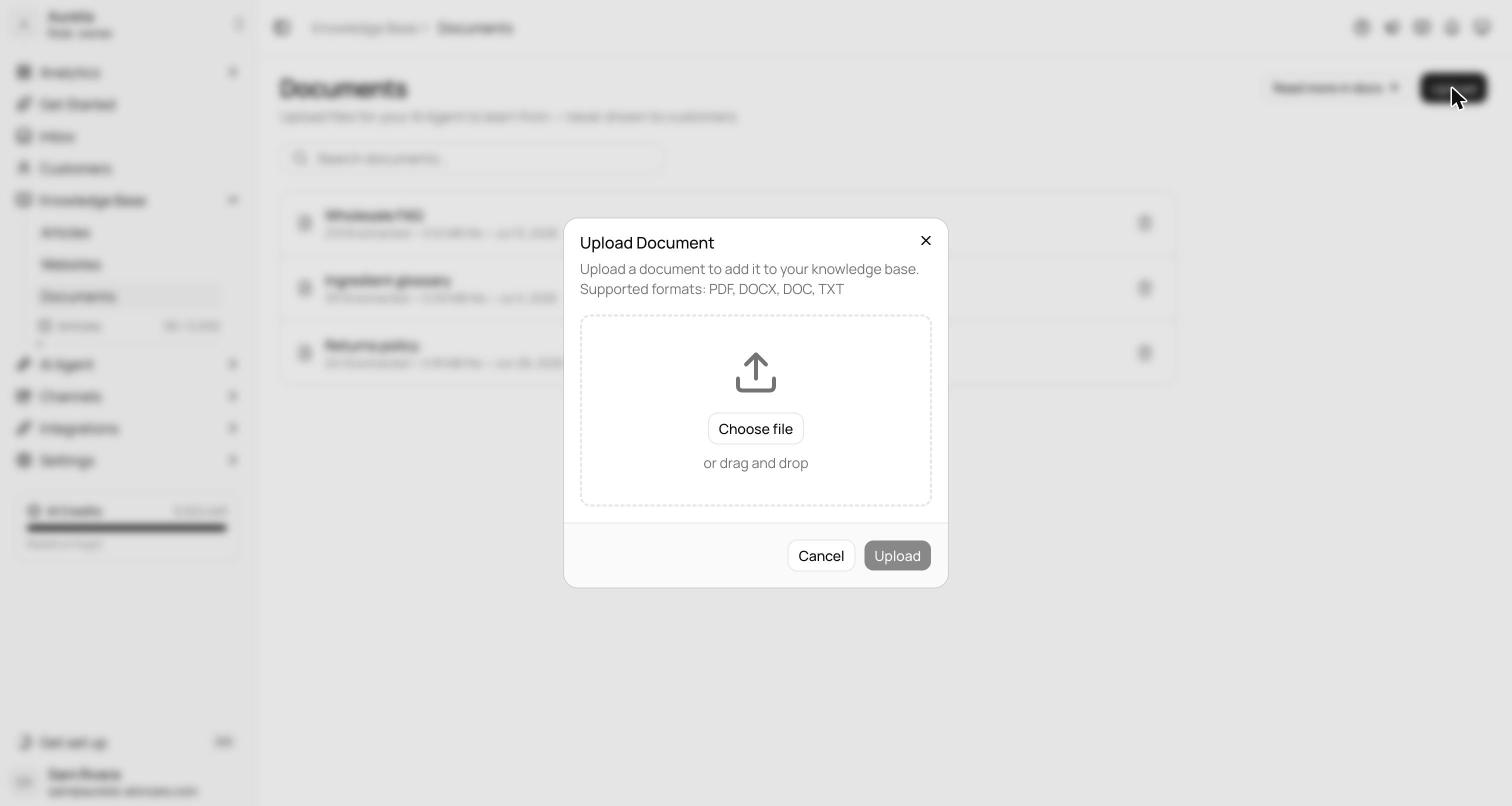
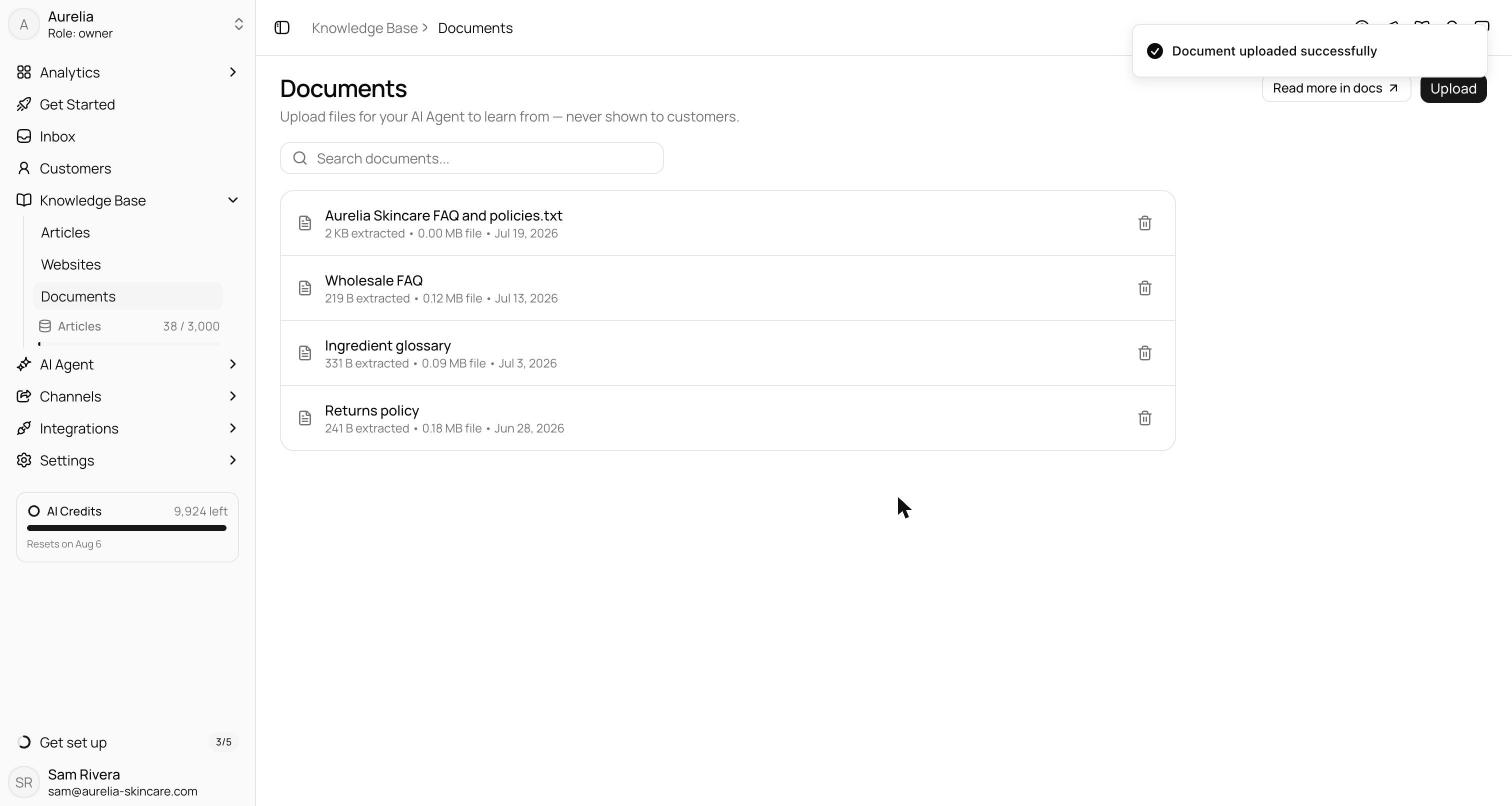
Extraction runs as part of the upload — text is pulled from the file (via OCR where needed), checked against your plan's limit (each file counts as one knowledge item), and indexed. When the dialog confirms, the document is live for the agent. If Asks reports that document ingestion is busy, wait a moment and upload again.
The document appears in the list with its extracted size — how much usable text was pulled from the file — alongside the raw file size and upload date. A search box filters the list as it grows.
Click a document to open it: a read-only view of the extracted text with the file's details (type, file size, extracted size, upload date, status), a Download original file action, and Delete. The extraction can't be edited — to change a document, upload a new file.
Extracted text and your limit
Every uploaded file counts as one knowledge item against your plan's limit, regardless of file size. The extracted-size column is informational — it shows how much usable text the agent got out of the file (a 10 MB PDF full of images might extract to a few hundred kilobytes of text). One flat guardrail applies per item: a single file can hold up to 2 MB of extracted text. Very large spreadsheets and documents are also rejected at upload with a message that says which import limit they exceeded. See Knowledge items & limits.
Deleting a document removes it from the index and frees its slot immediately. There is no replace flow: uploading a file again creates a new document (and uses a new knowledge item), so to update a file, delete the old version first.