Webflow
Add Asks to Webflow
Add the Asks AI chatbot to Webflow: paste the embed script into Site settings → Custom code → Footer code, then publish. It runs on published sites.
Learn more about the Asks AI chatbot for Webflow →
Updated
To add the Asks AI chatbot to a Webflow site, open Site settings → Custom code, paste your Asks snippet into Footer code, save, and publish the site. Webflow adds Footer code before the closing </body> tag on every page. Custom code runs only on the published site, not in the Designer, and it needs a paid site plan.
Before you start
- Your Webflow site has a paid site plan, so its custom code is published.
- The Chat widget reads Live at Channels → Chat widget.
Add the widget in Site settings
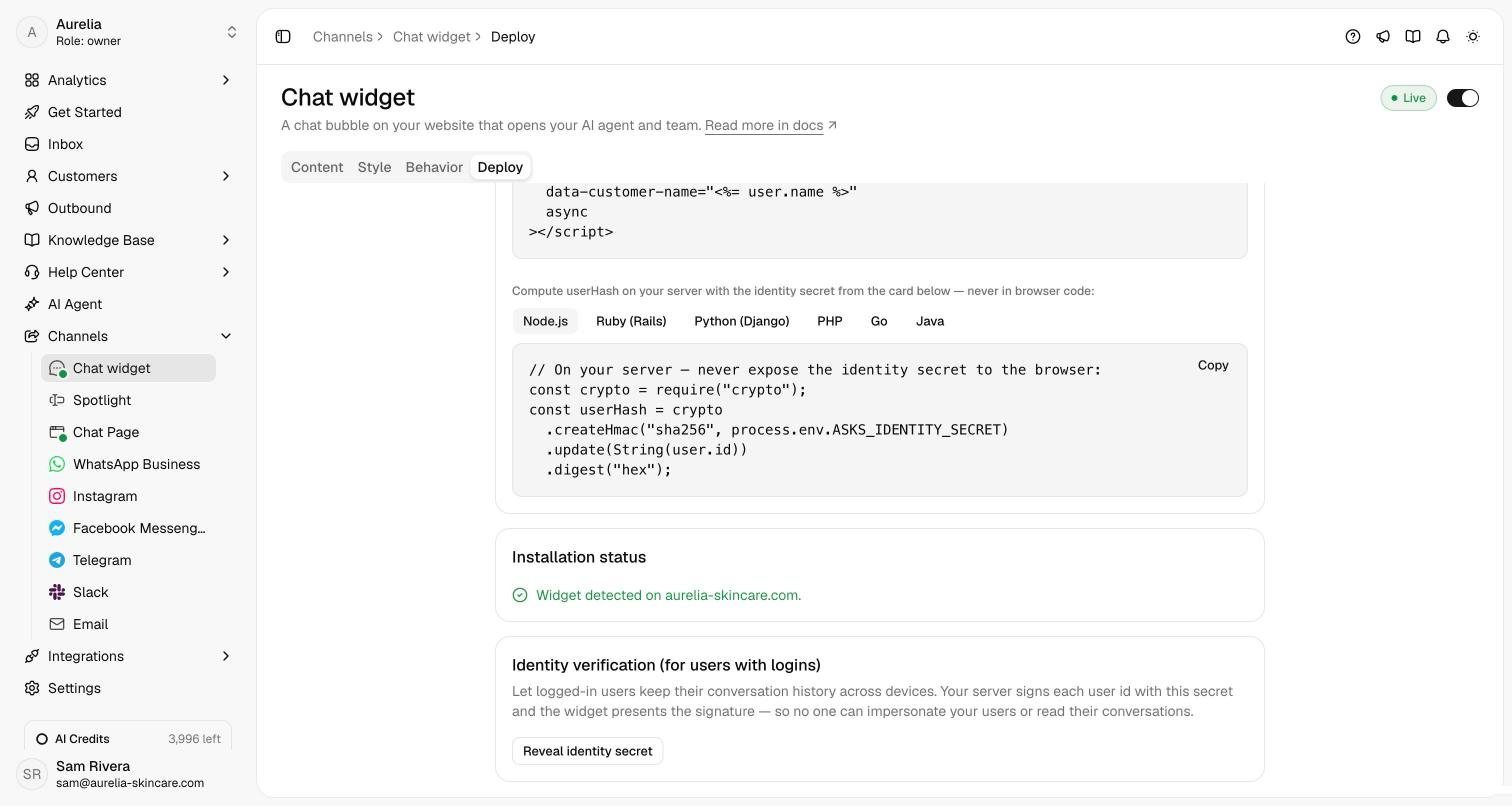
Open Channels → Chat widget → Deploy. Under Choose how to install, keep Code snippet and HTML. Under Configure your code snippet, select For website visitors without logins, then select Copy:
<script
  src="https://cdn.asks.app/embed.js"
  data-widget-key="YOUR_WIDGET_KEY"
  async
></script>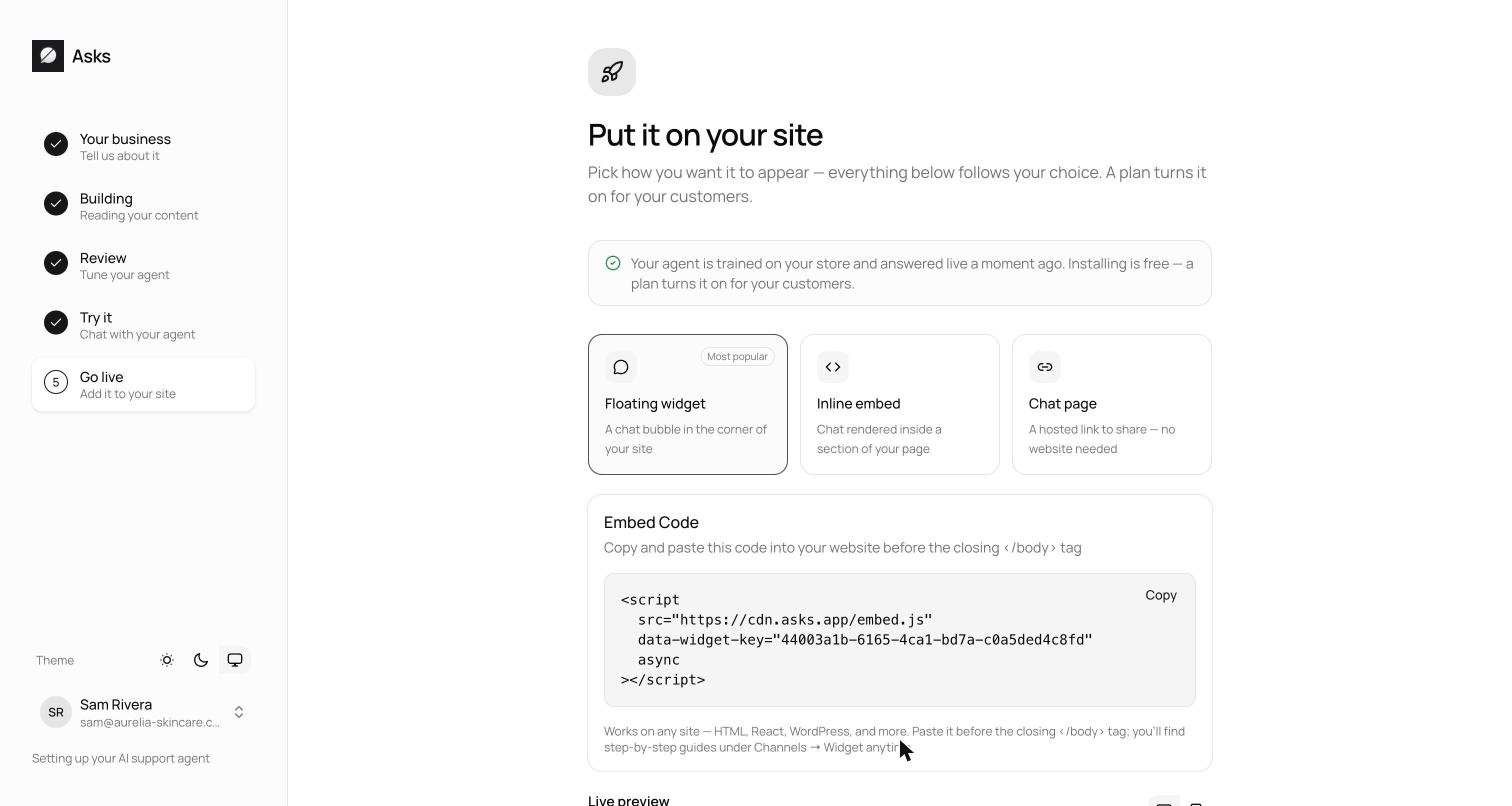
Open your site's Site settings and select the Custom code tab.
Paste the snippet into Footer code, the field for code before the </body> tag, then save the changes. Leave Head code for other tools: the widget attaches to the page body.
Publish the site to the domains you want, your webflow.io staging domain, your custom domain, or both. The snippet goes live with the publish.
Verify it works
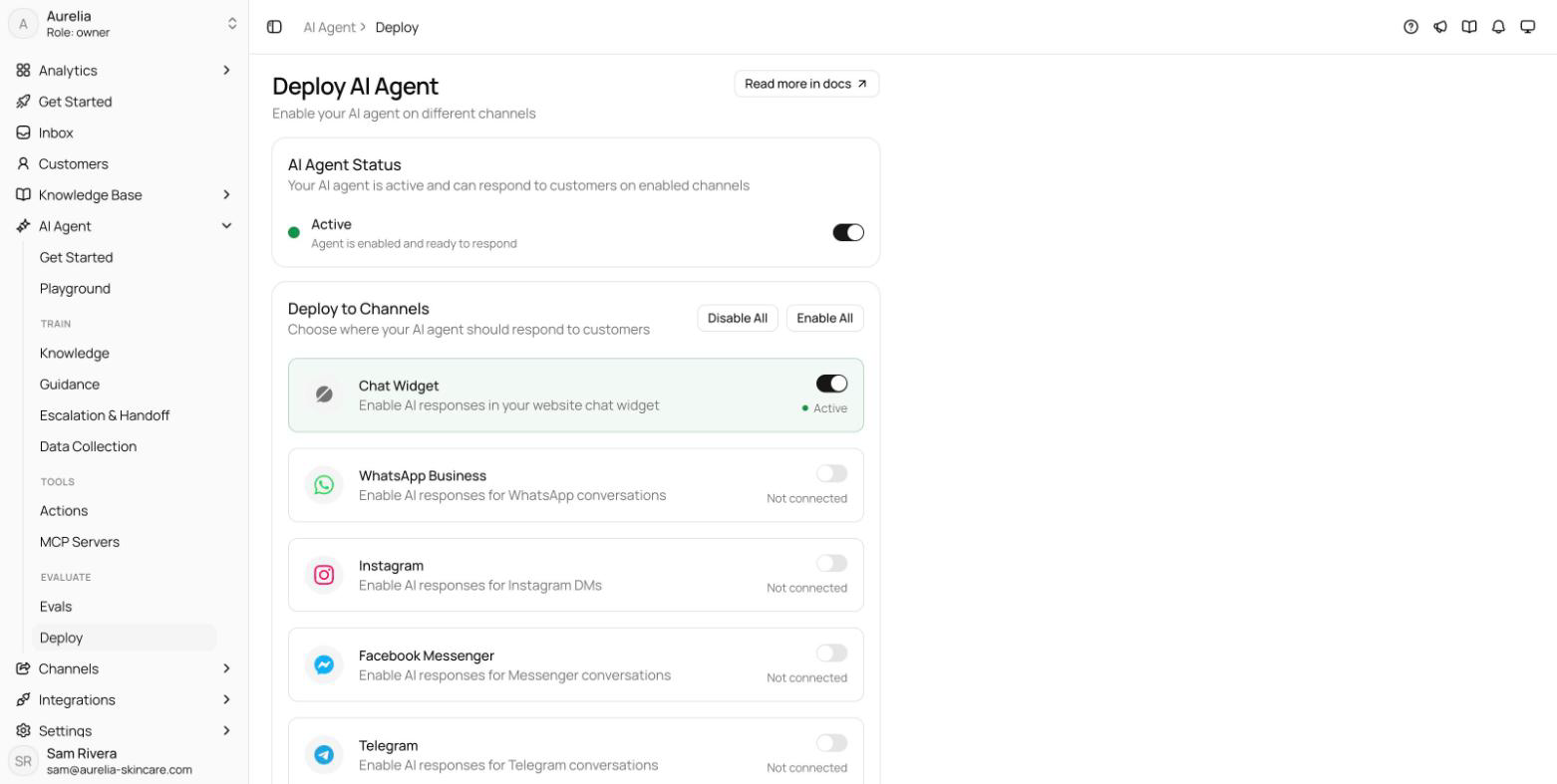
Open the published site in a private window. The launcher appears in the bottom corner, and the Deploy tab's Installation status card reads "Widget detected on" followed by the domain you opened, your webflow.io domain included. Send a test message: it lands in your Inbox, and the agent replies when it's on for the Chat widget at AI agent → Deploy.
Troubleshooting
The launcher doesn't show in the Designer
That's expected: Webflow runs custom code on the published site only. Publish, then check the live URL.
The Custom code fields are locked
Custom code needs a paid site plan. Add one to the site, or share the hosted Chat Page link in the meantime.
The widget shows on one page only
The snippet went into one page's Page settings custom code (its before </body> field), which affects that page only. Move it to Footer code in Site settings.
The chat says "This chat isn't live yet"
Your workspace has no active plan or trial yet. Start one from Plans & billing.
Webflow steps checked in November 2026 against Webflow's help article Custom code in head and body tags.
Related
- Other site builders: Framer, Squarespace, Wix, or all install guides.
- Chat widget: audiences, identity verification, and what visitors see.
- On asks.app: Asks for Webflow, the AI chatbot for websites, and the shared inbox.