React & Next.js
Add Asks to React and Next.js
Install the Asks AI chat widget in Next.js with next/script in the root layout, or in a React app with the @asksdotapp/widget-js package, once per app.
Learn more about the Asks AI chatbot for websites →
Updated
In a Next.js app, add the Asks embed script once in your root layout with next/script. In a React single-page app, call Asks() from the @asksdotapp/widget-js package in your root component, or paste the snippet into index.html. Either way the widget loads once, survives client-side navigation, and never runs on the server.
Next.js App Router
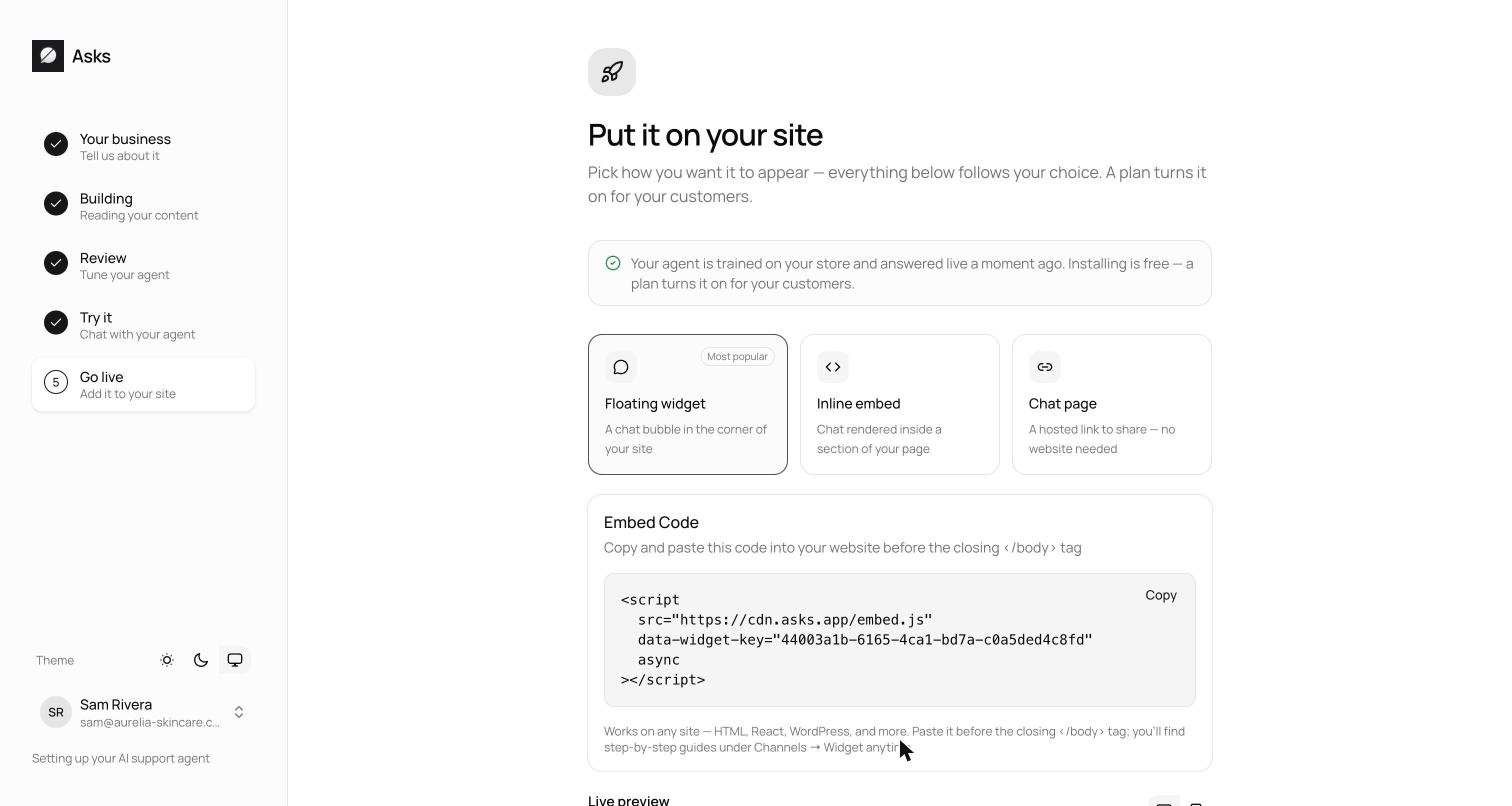
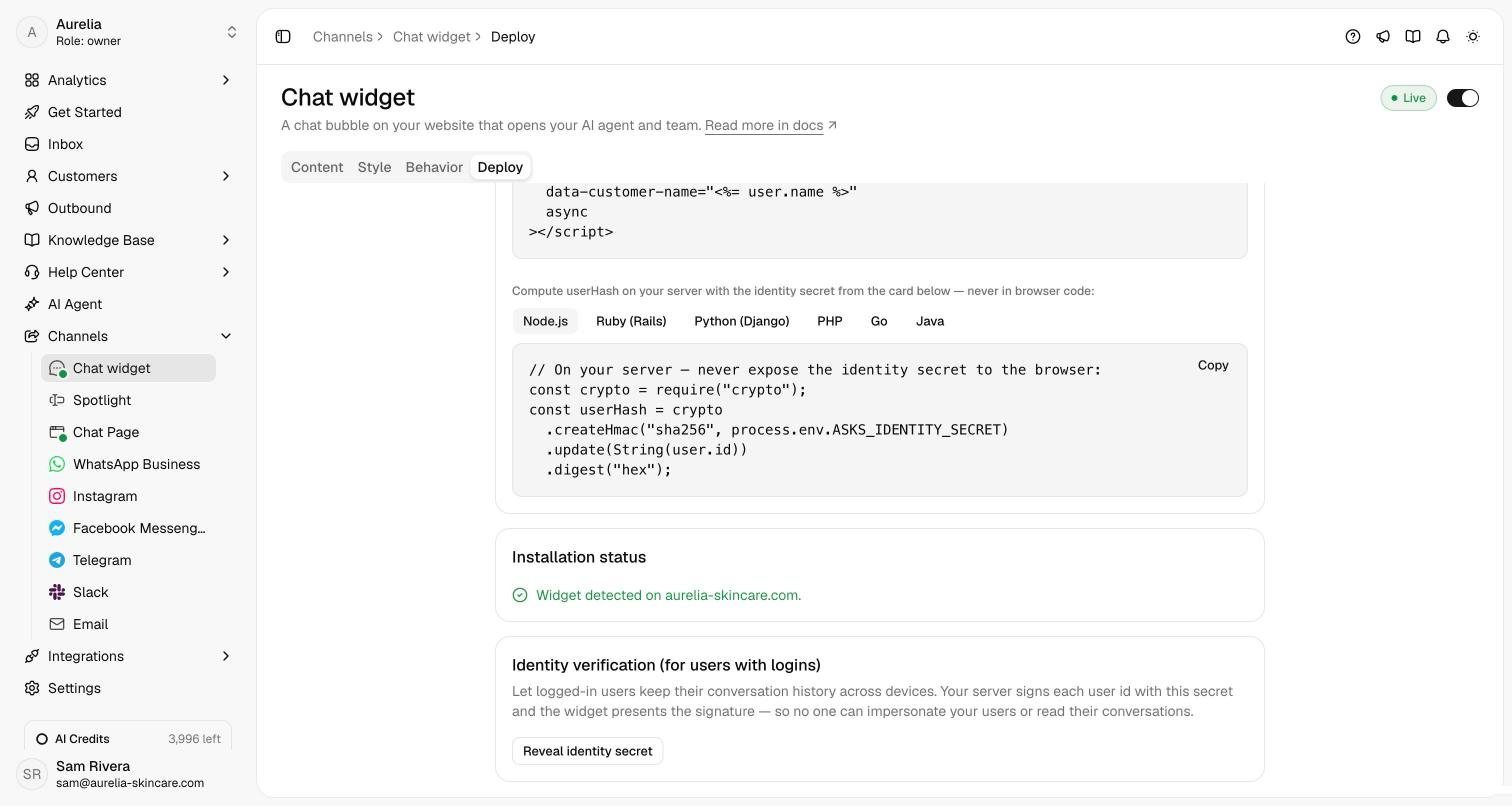
Copy your widget key from Channels → Chat widget → Deploy: it's the data-widget-key value in the snippet. Then add the script to the root layout, so it loads on every route:
// app/layout.tsx
import Script from "next/script";

export default function RootLayout({ children }: { children: React.ReactNode }) {
  return (
    <html lang="en">
      <body>
        {children}
        <Script
          src="https://cdn.asks.app/embed.js"
          data-widget-key="YOUR_WIDGET_KEY"
          strategy="afterInteractive"
        />
      </body>
    </html>
  );
}
next/script forwards the data-widget-key attribute to the script tag it adds, and loads the script once even as users navigate between routes.
Next.js Pages Router
Add the same Script to pages/_app.tsx, after the page component:
// pages/_app.tsx
import type { AppProps } from "next/app";
import Script from "next/script";

export default function App({ Component, pageProps }: AppProps) {
  return (
    <>
      <Component {...pageProps} />
      <Script
        src="https://cdn.asks.app/embed.js"
        data-widget-key="YOUR_WIDGET_KEY"
        strategy="afterInteractive"
      />
    </>
  );
}
React single-page apps
On the Deploy tab, under Choose how to install, select React. Install the package:
npm install @asksdotapp/widget-jsThen boot the widget in a shared layout or root component. It runs client-side, repeated calls are ignored, and it's a no-op during server-side rendering:
import Asks from "@asksdotapp/widget-js";

export default function AppLayout({ children }) {
  Asks({ widgetKey: "YOUR_WIDGET_KEY" });
  return children;
}
The package loads the hosted embed.js, so you always run the latest widget. Rather not add a dependency? Paste the HTML snippet right before </body> in index.html instead: at the project root in Vite, public/index.html in Create React App. For Vue and Angular, see React, Vue, and Angular.
Use one method per app: the script tag or the package, not both.
Logged-in users
To give signed-in users their conversation history on every device, pass their id and a userHash your server signs with the identity secret. In the App Router, boot the package from a client component:
// app/asks-widget.tsx
"use client";
import { useEffect } from "react";
import Asks from "@asksdotapp/widget-js";

type AsksUser = { id: string; asksUserHash: string; email?: string; name?: string };

export function AsksWidget({ user }: { user?: AsksUser }) {
  useEffect(() => {
    Asks({
      widgetKey: "YOUR_WIDGET_KEY",
      ...(user
        ? { userId: user.id, userHash: user.asksUserHash, email: user.email, name: user.name }
        : {}),
    });
  }, [user]);
  return null;
}
Render <AsksWidget user={...} /> in the root layout instead of the Script. When the user changes, the widget switches identity in place; rendered without a user, it returns to an anonymous visitor session. Compute asksUserHash on your server, never in the browser: Logged-in users has the signing code.
Verify it works
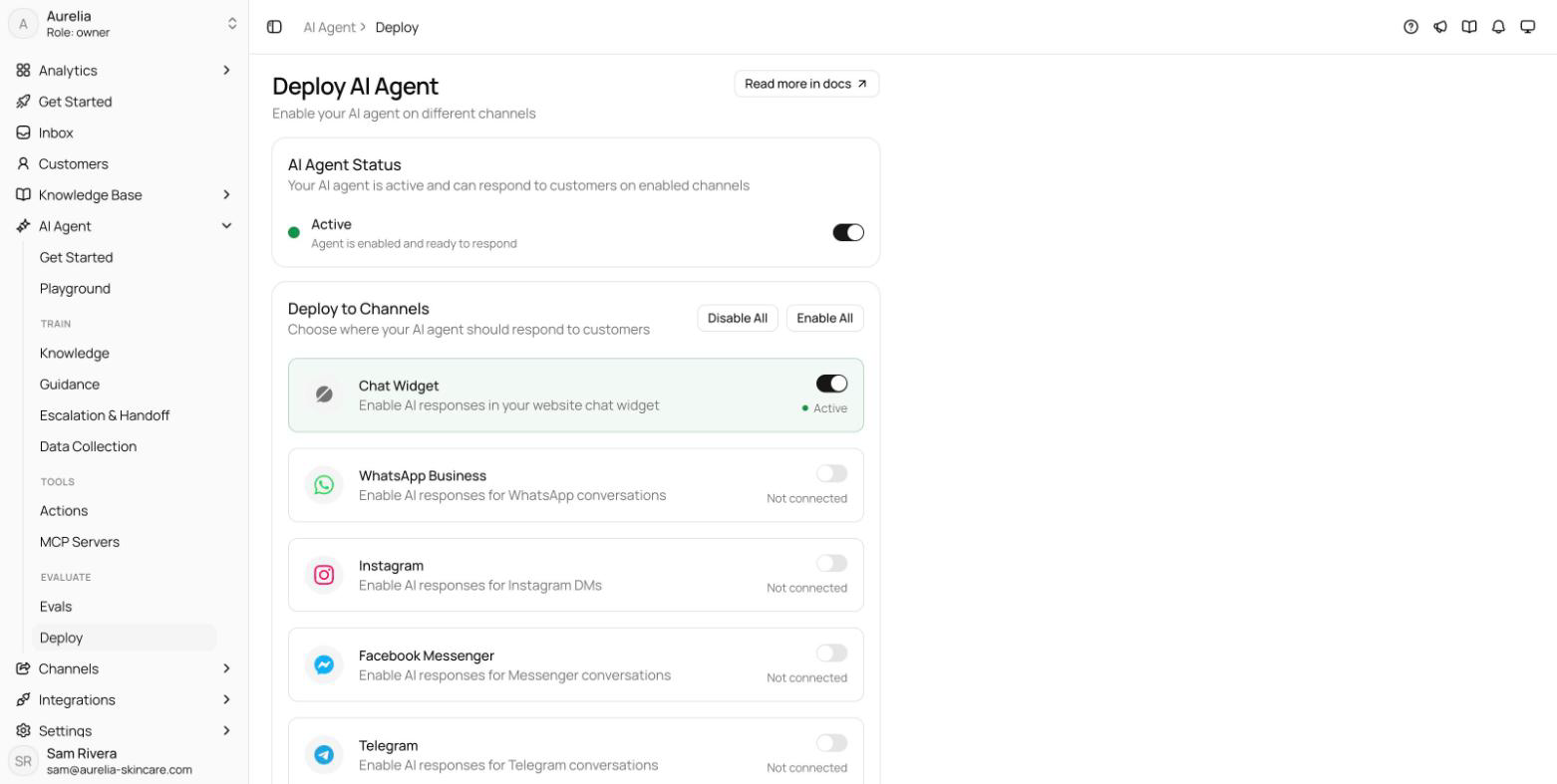
Run your app, open it in a new tab, and check that the launcher appears in the bottom corner. The Deploy tab's Installation status card reads "Widget detected on" followed by the host you opened. Send a test message: it lands in your Inbox.
Troubleshooting
The widget resets when users change routes
The script or Asks() call sits in a component that unmounts on navigation. Move it to the root layout or root component.
The console shows a Content-Security-Policy error
If your app sends a CSP header, allow the origins in the Content-Security-Policy table. With a nonce-based policy, pass your nonce to Script with its nonce prop.
A logged-in user gets an error or loses their history
The userHash doesn't match the user id. Check it with Check a userHash on the Deploy tab, and make sure your server signs the exact id string with the current identity secret.
Next.js steps follow the Next.js scripts guide, checked in November 2026.
Related
- Widget developer guide: the JavaScript API,
identify(), and single-page app behavior. - Other ways to install: HTML, Google Tag Manager, or all install guides.
- On asks.app: the AI chatbot for websites and the shared inbox your team answers from.